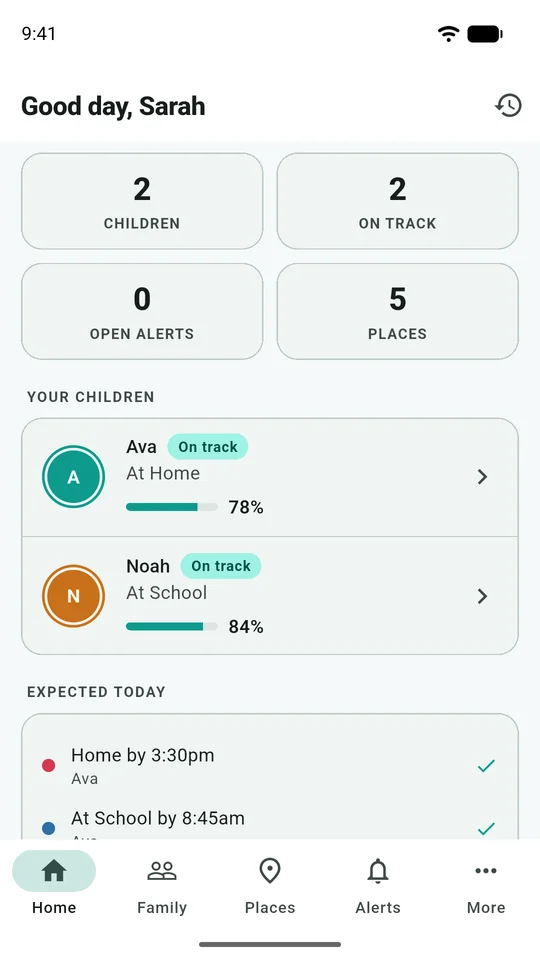
Start with an overview of the family. Open a child to inspect the latest update rather than judging their situation from a status label alone.
Read the practical guide →A tour of actual Eyrie screens, paired with the things to understand before you use them. All names, messages and locations here are fictional demonstration data.
Start with an overview of the family. Open a child to inspect the latest update rather than judging their situation from a status label alone.
Read the practical guide →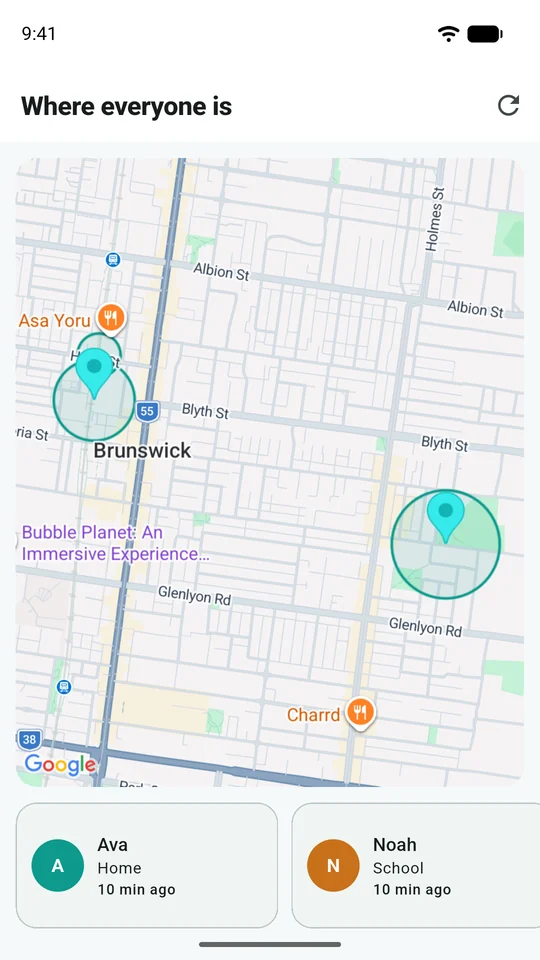
Use the map together with the update time and accuracy. A position describes a phone's last report; it cannot confirm what is happening around it.
Read the practical guide →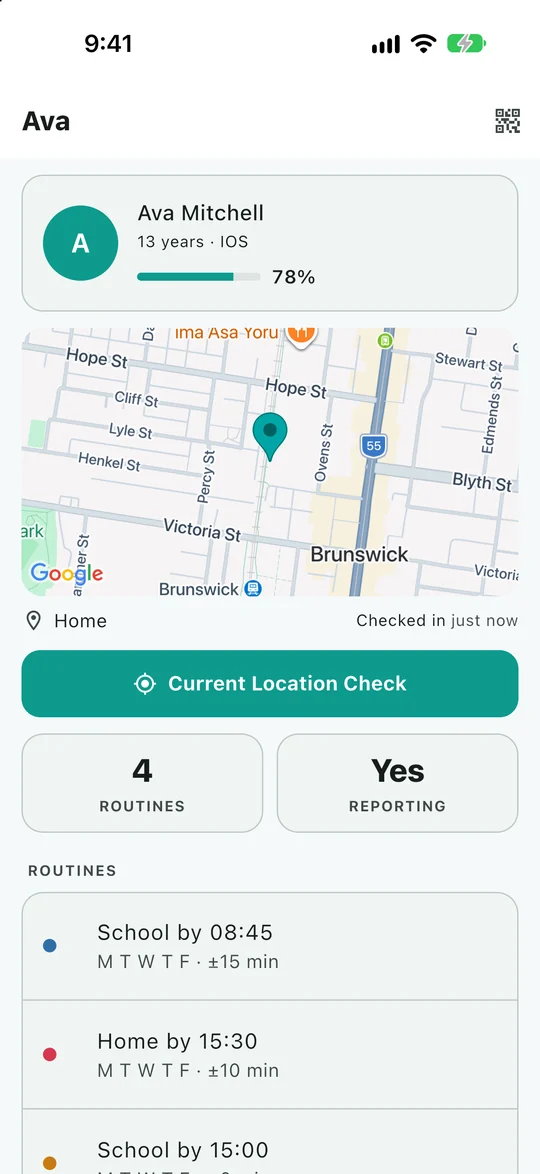
A closer view of one child's reporting and location. This example is from iPhone; the other examples on this page are Android captures.
Read the practical guide →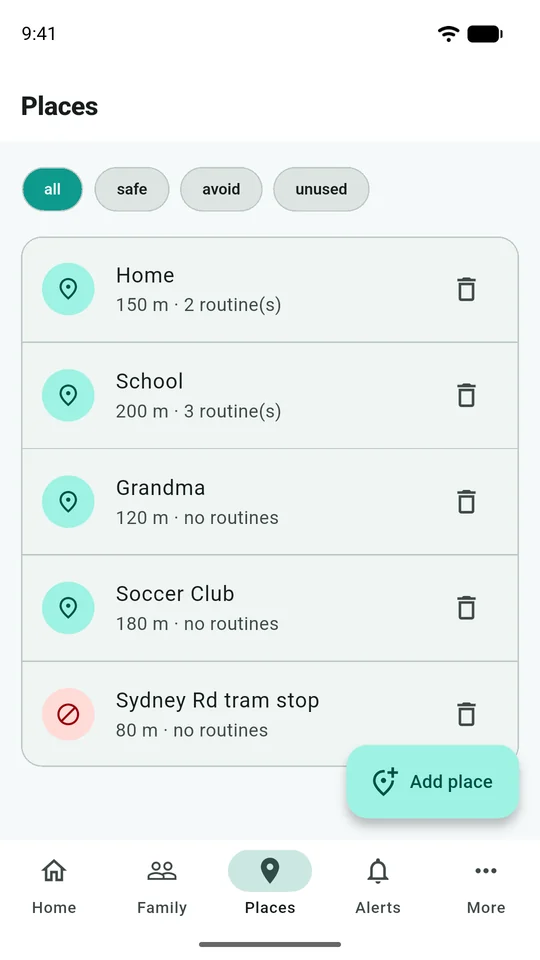
Give familiar destinations names so arrivals mean something. Choose a sensible boundary for the whole place, including the entrance or pickup area.
Read the practical guide →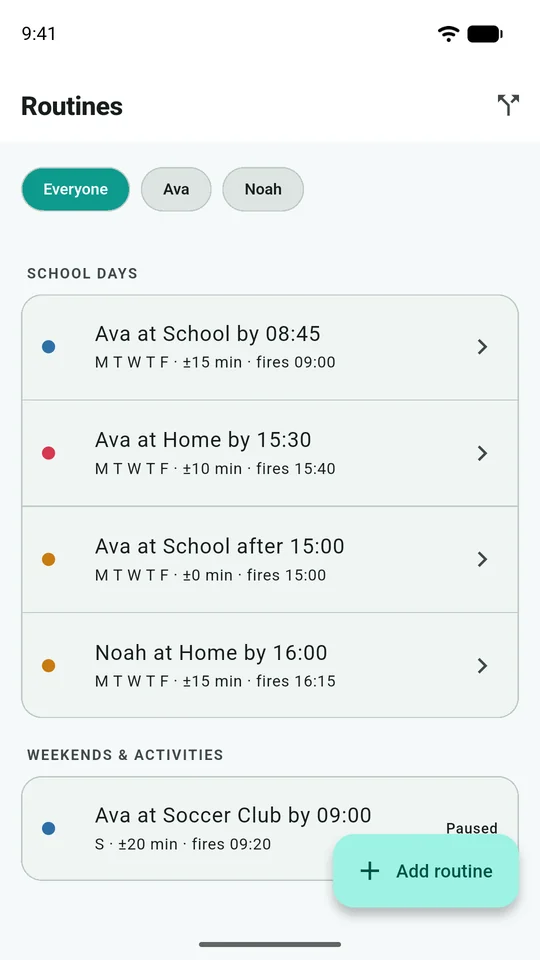
Describe an expected arrival or departure, then account for a realistic time window. Routines are most useful when you revisit them as a child's week changes.
Read the practical guide →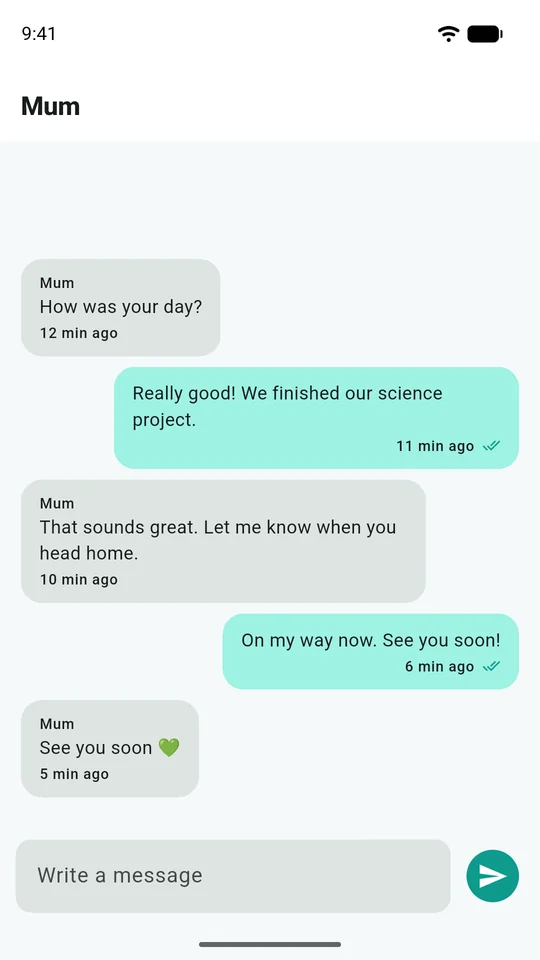
Keep everyday coordination in a family conversation or a conversation with a guardian. Check the participants before sharing something personal.
Read the practical guide →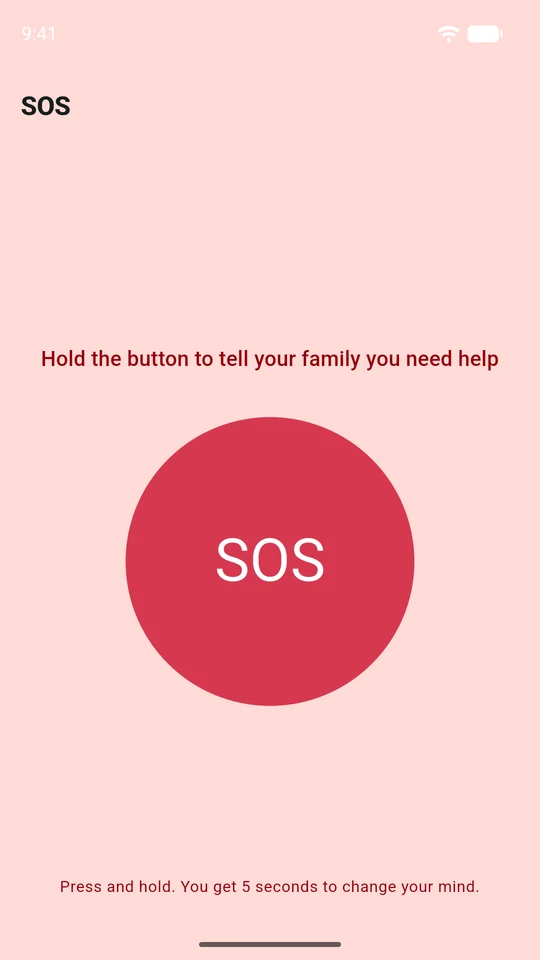
The child can ask their family for help. Read the SOS guide together before using it: an alert does not contact emergency services or guarantee someone has seen it.
Read the practical guide →These are the same original app captures prepared for Eyrie's Google Play and Apple listings. Android and iOS layouts can differ, and feature availability depends on your plan and version. No real family's account or location was used, and no live SOS was triggered for these images.
Get Eyrie